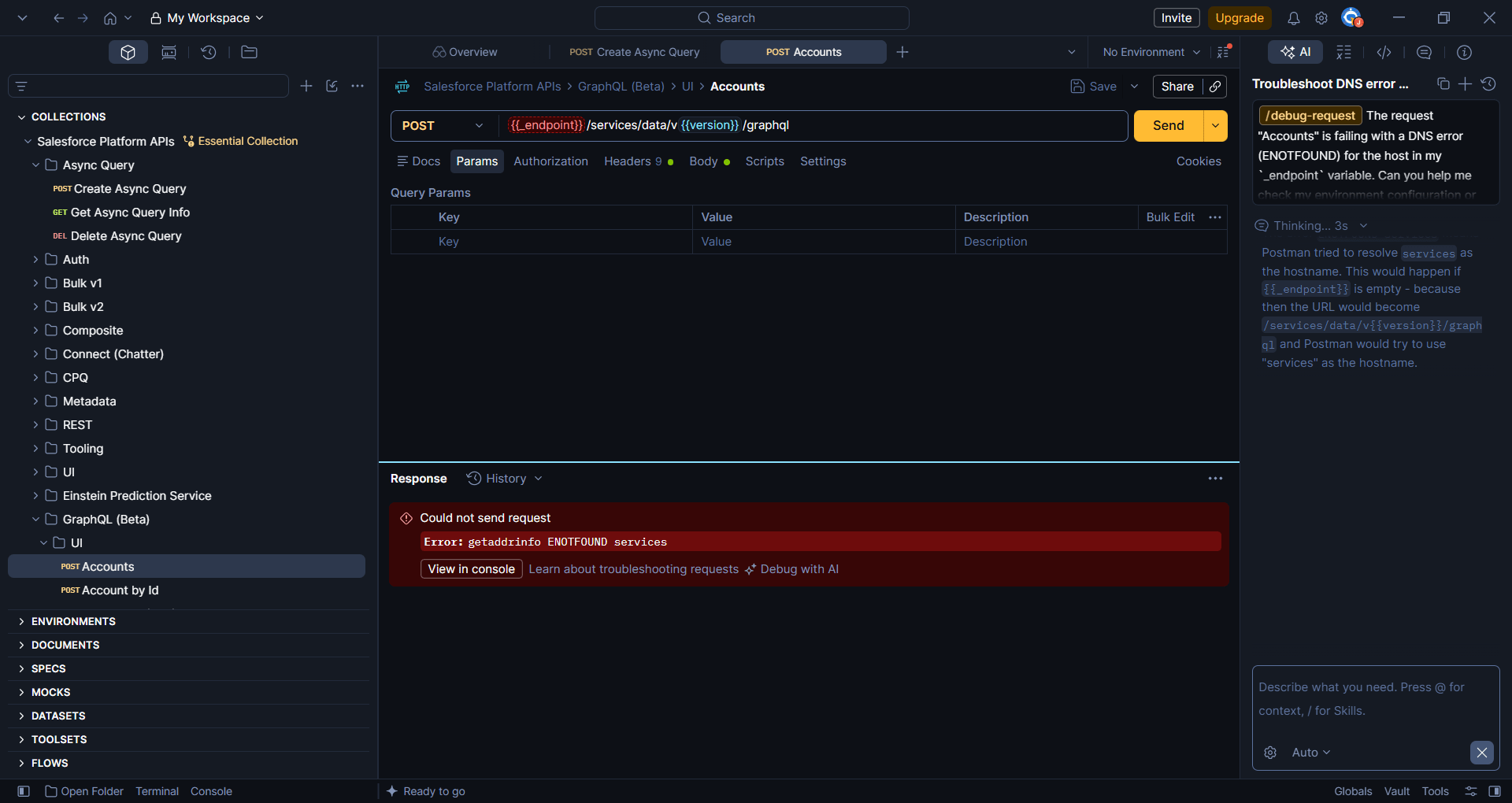
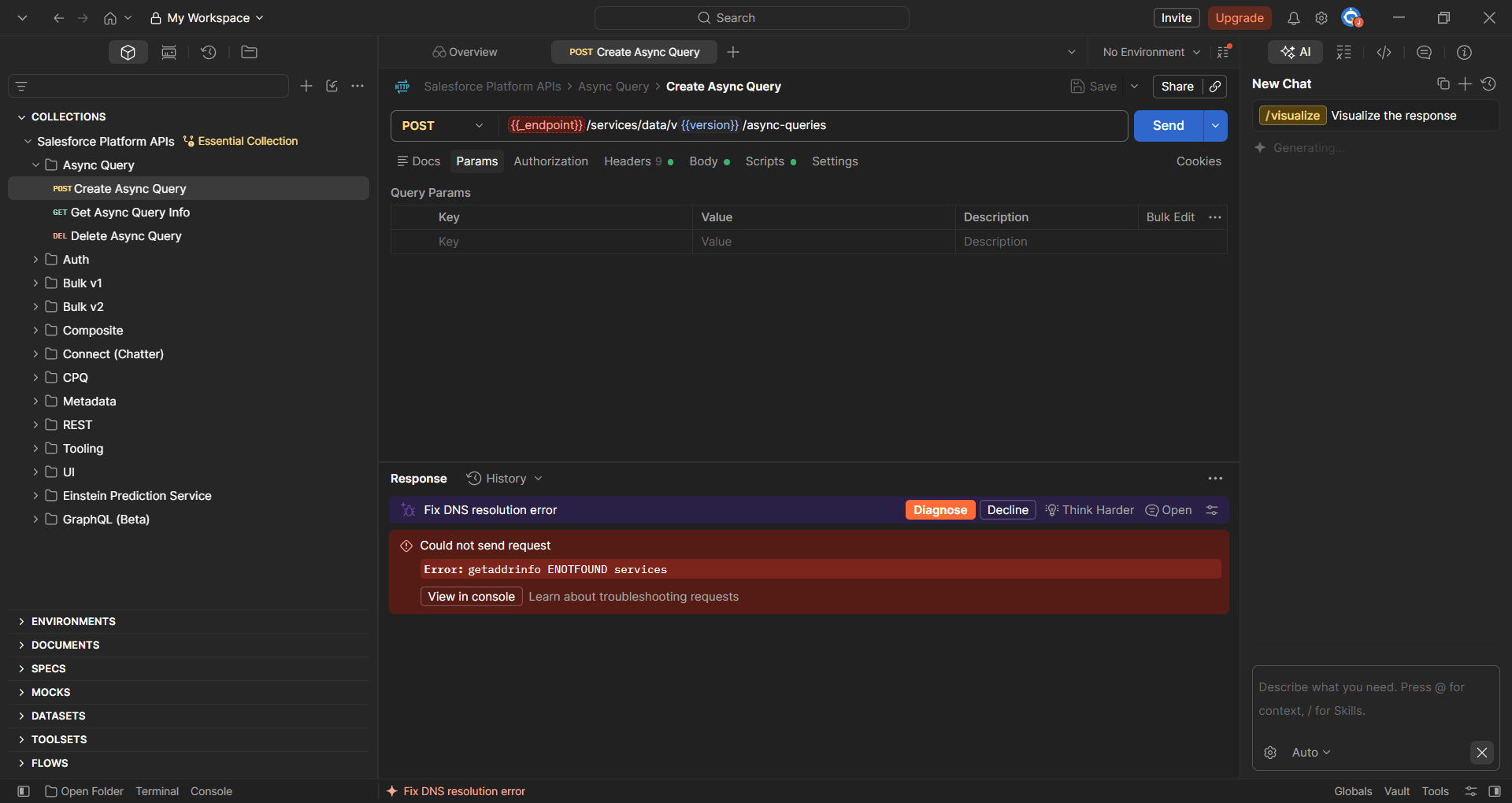
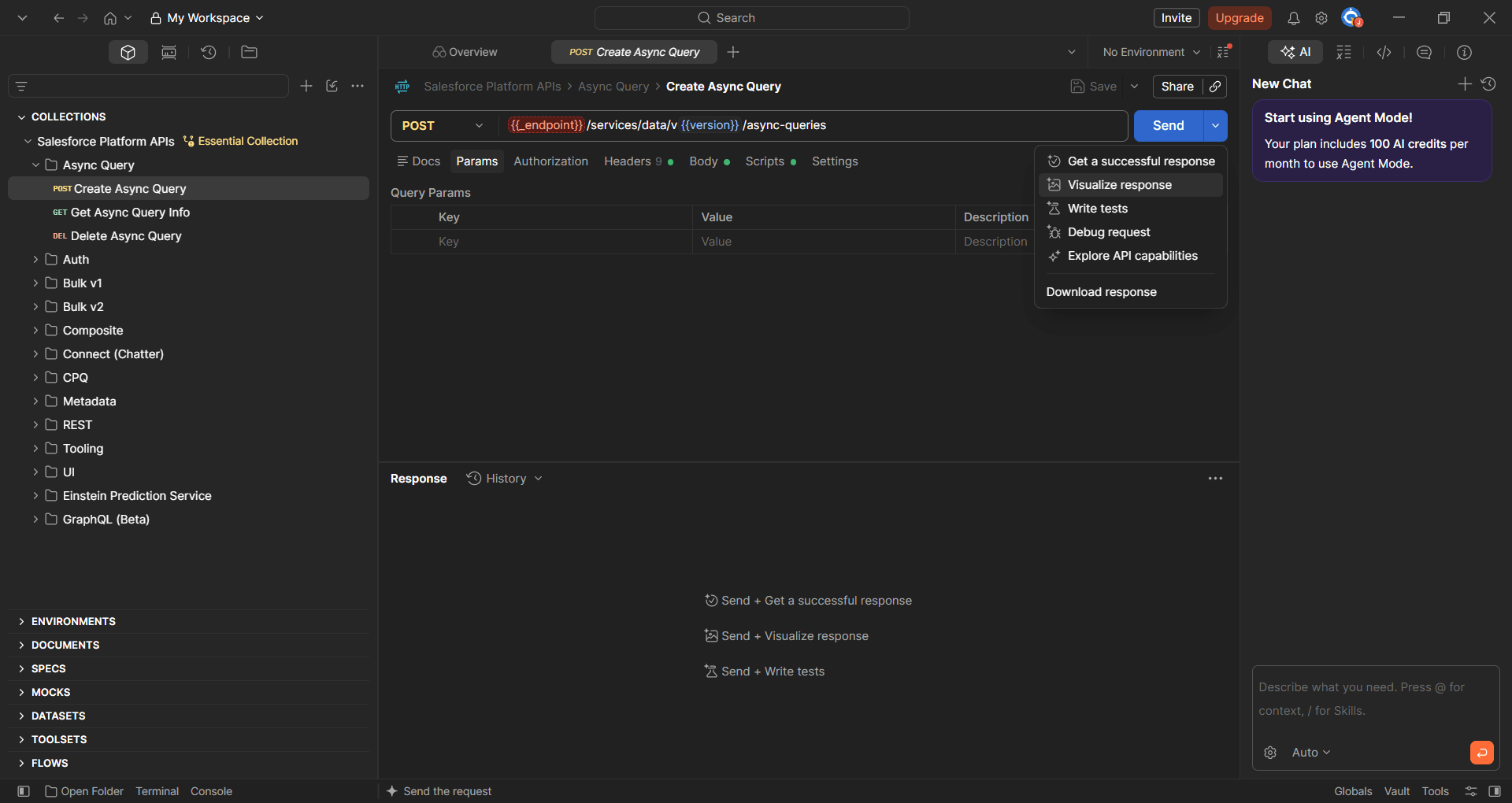
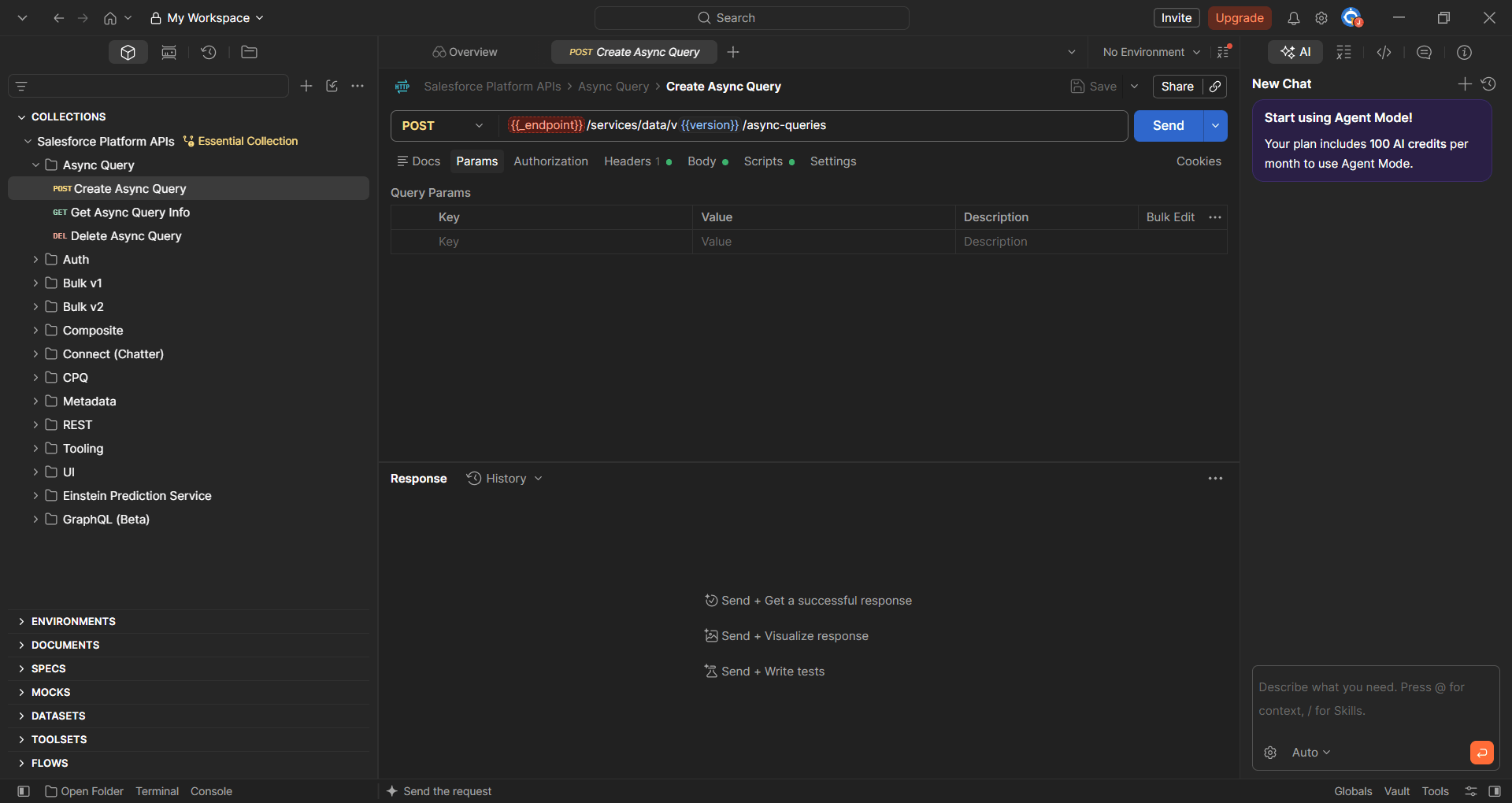
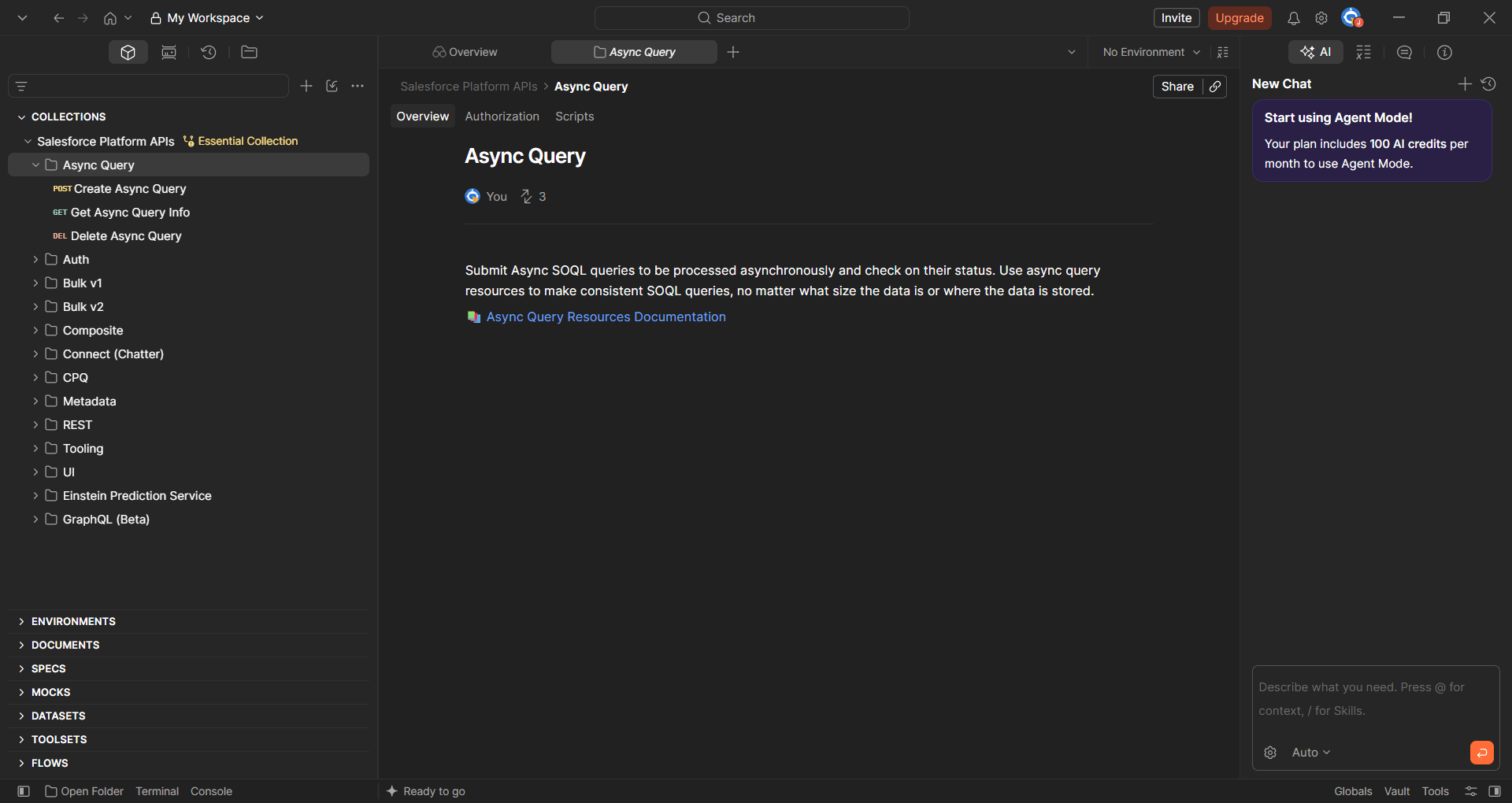
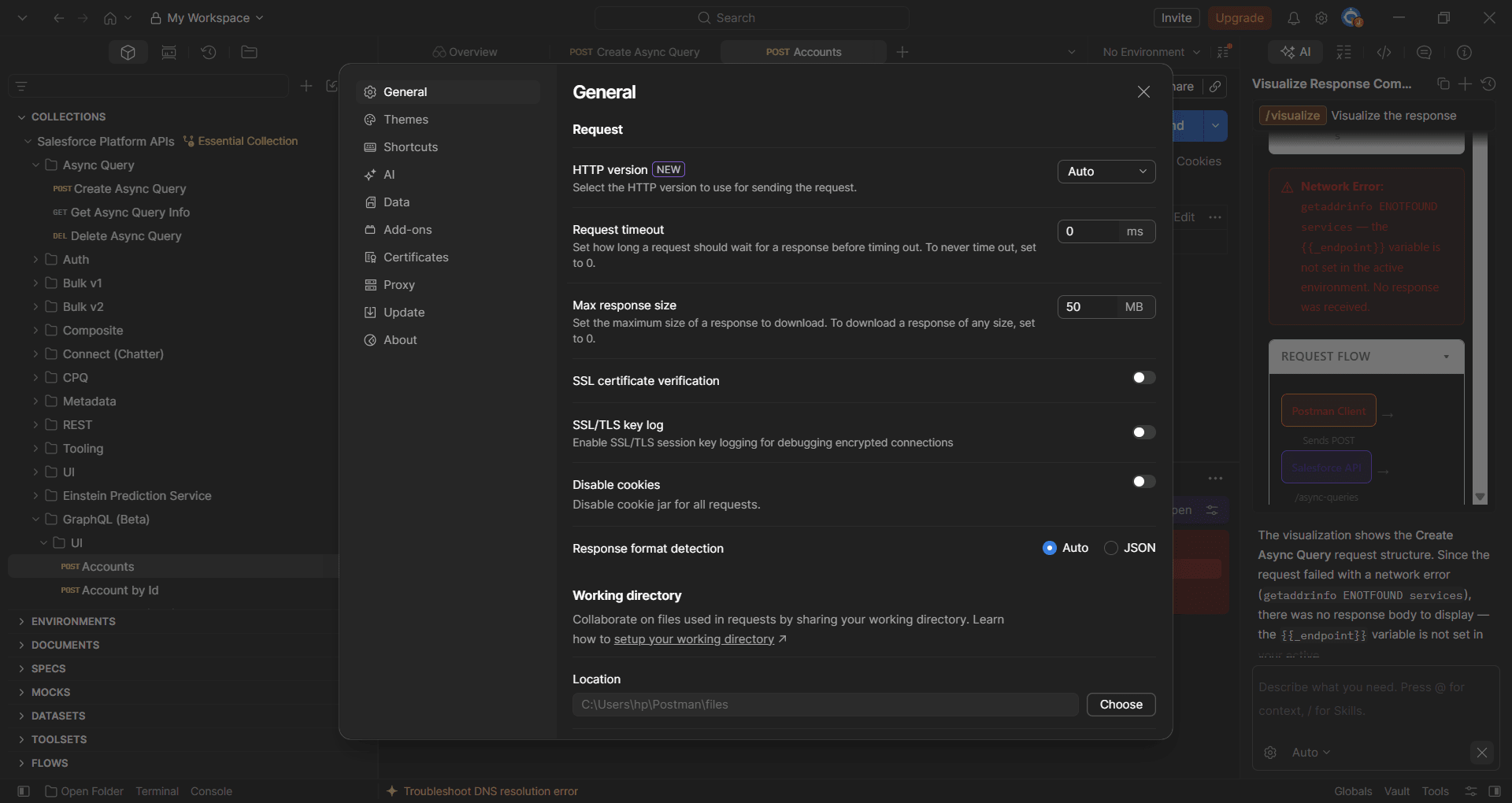
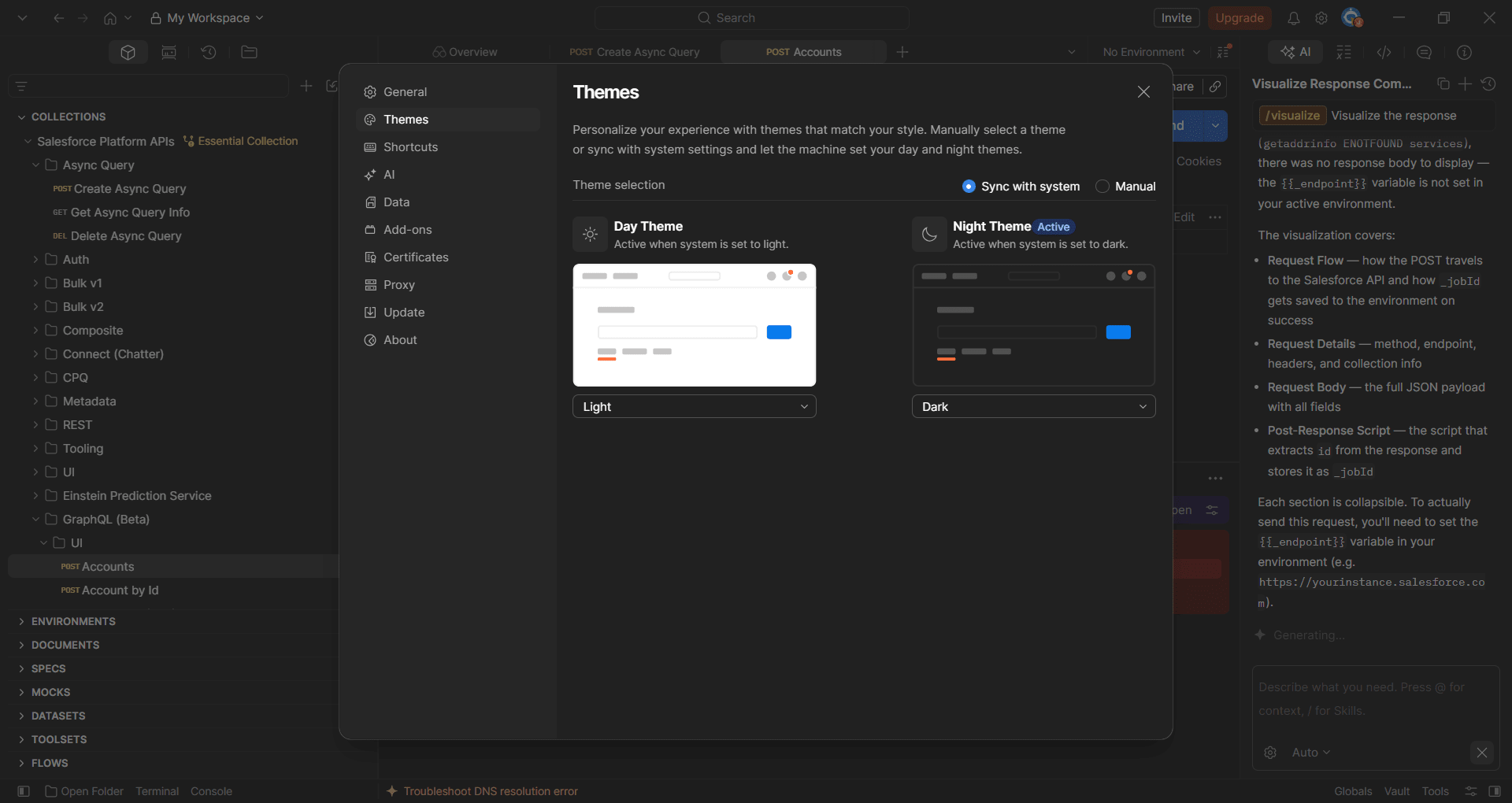
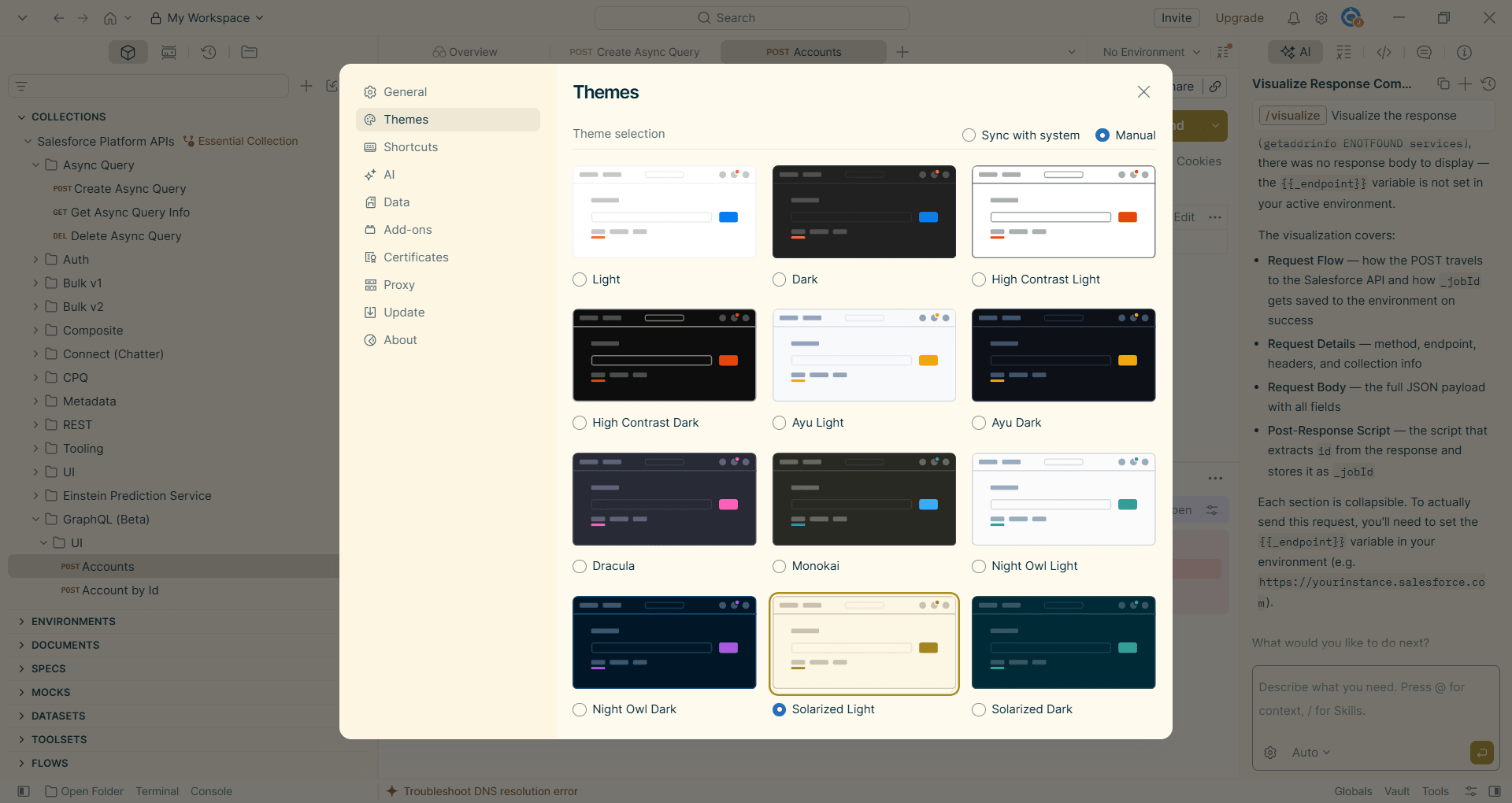
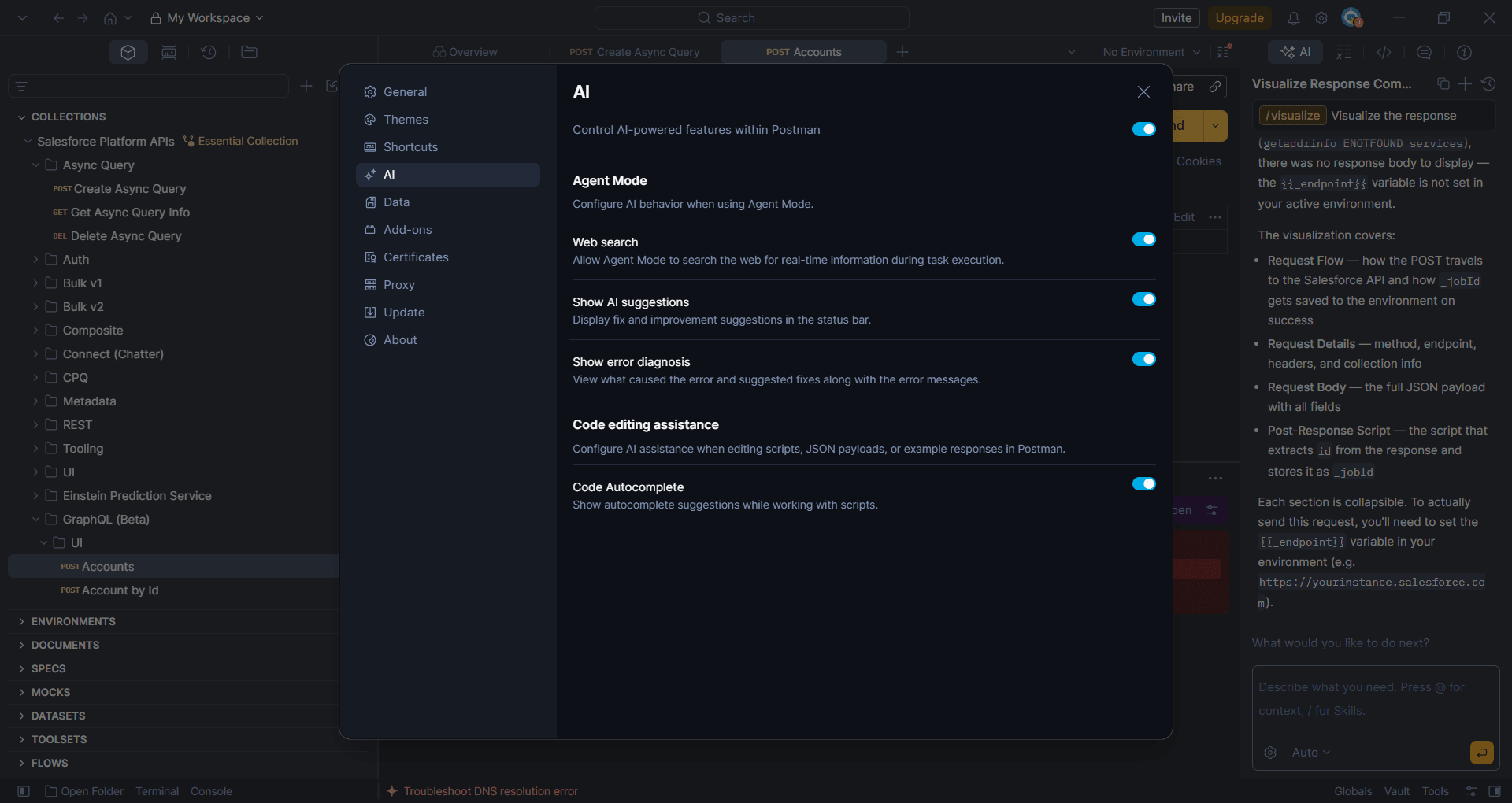
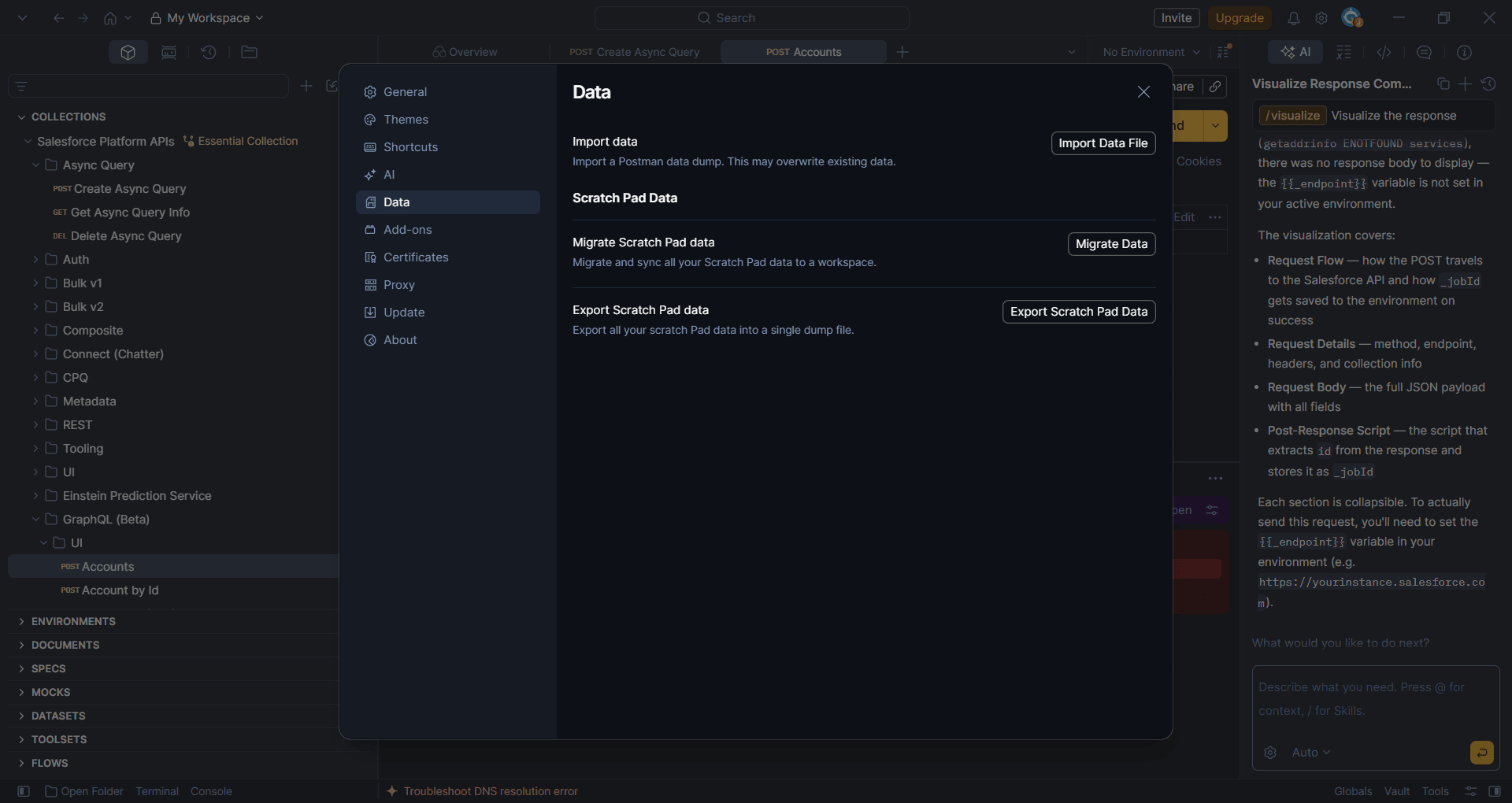
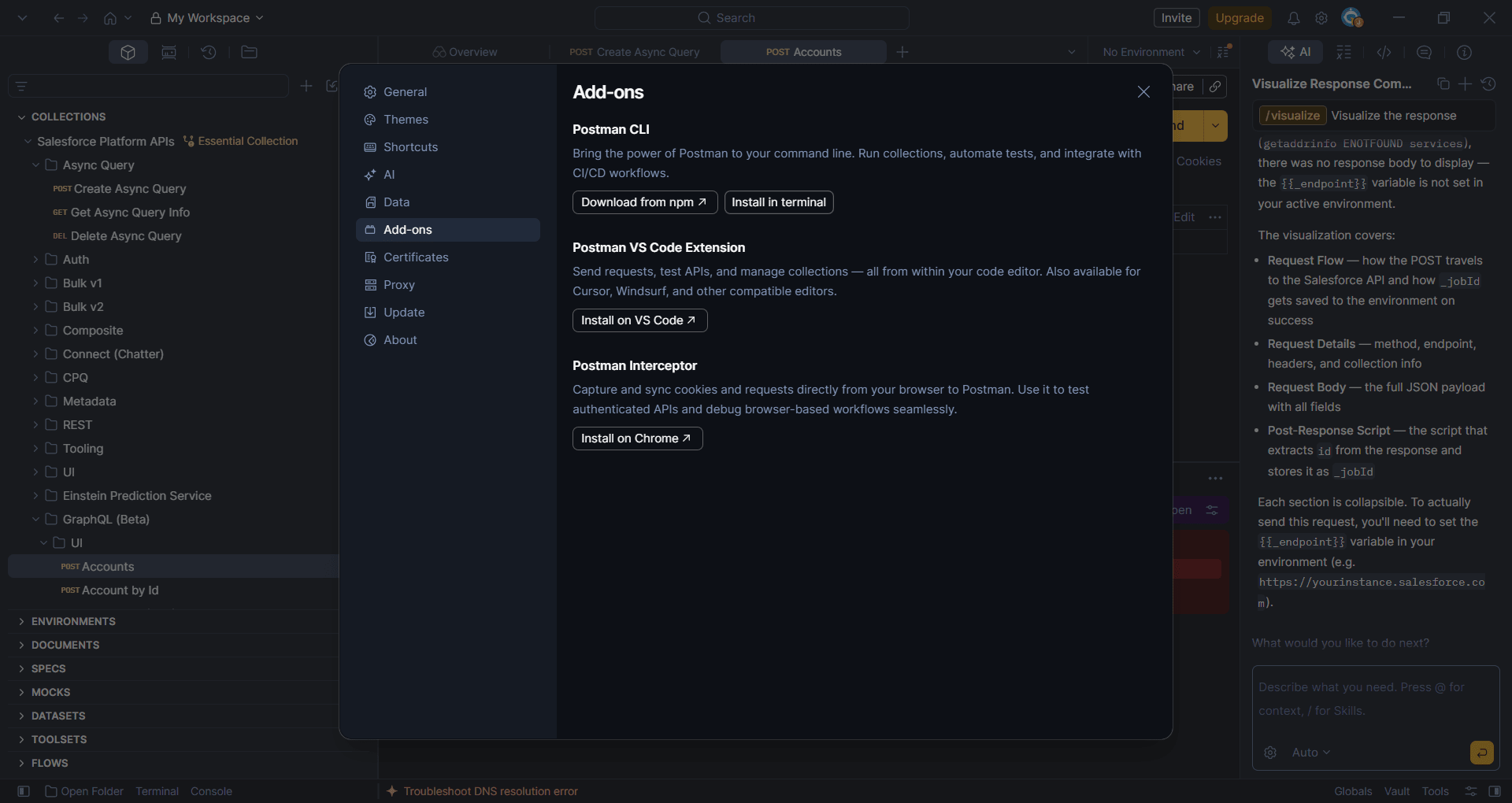
Postman is by far the most popular tool for API development, testing, and collaboration. While there are other tools that developers use that offer different kinds of functionality, this is often considered the gold standard for any tasks related to APIs. The original idea was to make this a Chrome extension, and that's how it started, but it has now evolved into a complete desktop client for Windows that manages the entire API lifecycle.
For people working in the tech sector, including developers, QA engineers, PMs, and more, this is a must-use tool that allows you to handle and manage everything related to APIs.
Streamlined requests and team collaboration
Postman is exceptionally powerful when it comes to simplifying complex API requests by breaking them down field-wise and showing them neatly in the UI. This is very useful in supporting massive engineering teams. While teams usually manually type HTTP headers, URL parameters, authentication tokens, and other components in a raw terminal window, this allows you to create entire requests using an intuitive GUI.
Once you have configured and tested the request, you can save it into a "Collection", which is basically a structured folder system that acts as executable living documentation. These collections can then be shared instantly across your organization. This centralized approach allows front-end developers, back-end engineers, and automated QA testing pipelines to work from a single, reliable source of truth without communication breakdowns.Easy local development
The desktop application allows for easy local development. Since the client runs directly on your Windows machine, you can easily test APIs running on localhost or within restricted corporate intranets before they are deployed to public staging environments.Bridging the gap between code and testing
It bridges the gap between raw code and functional testing, allowing technical and non-technical stakeholders alike to explore API endpoints, generate code snippets in multiple programming languages, and visualize JSON or XML responses in a clean, readable format. It has become an industry leader for modern software teams that are building microservices or working on consuming third-party data feeds. It is indispensable for such professions.Visual request builder and collections
One of the most useful features in Postman is its intuitive request builder. As a user, you can quickly build your API request by selecting an HTTP method, adding query parameters, attaching tokens (authorization), and formatting JSON bodies. These requests are organized into Collections, which act as shareable repositories of API endpoints. Collections make it incredibly easy to onboard new developers, as they can simply download a folder containing every pre-configured request needed to interact with your company's backend.Automated testing and scripts
While manual testing is a major component, the application is not limited to it. It can also run automated scripts and testing, as it includes a built-in Node.js-based scripting engine. Developers can write pre-request scripts to dynamically generate authentication tokens or timestamps before a call is made. More importantly, they can write test scripts to automatically assert that a response contains the correct HTTP status code, response times, or specific data payloads, turning a simple API call into a reliable, automated test suite.Mock servers and documentation
For teams practicing test-driven development, Postman allows you to create mock servers. Front-end developers can start building user interfaces against simulated API responses before the back-end engineers have even finished writing the actual code. Postman can automatically generate beautiful, web-hosted documentation directly from your Collections, ensuring that your API docs are always perfectly in sync with your actual endpoints.Free tier with scalable paid plans
If you don't require advanced features, then the Postman free tier is more than sufficient, which includes basic testing capabilities and a limited mock server allocation as well. In case you have a larger team that requires collaboration and higher usage limits, then you will have to opt for the paid plans, which include Solo, Team, and Enterprise. The pricing varies based on region and any ongoing discounts/promotions.An essential utility for developers and QA teams
The bottom line is that Postman is an essential utility for developers, QA engineers, and anyone working with APIs on Windows. It has fundamentally standardized how the software industry interacts with web services. While its rapid expansion into an all-encompassing platform has made the interface slightly more cluttered over the years, and it requires account creation for its cloud-sync features, its core functionality remains unmatched. Whether you are a solo developer debugging a local script or part of a global enterprise managing hundreds of microservices, Postman provides the most accessible and powerful environment for API testing and development.